Your cycle is part of the picture
Record period dates alongside your moods, while keeping the rest of everyday life in view.

Your cycles, side by side.
Compare recorded moods across completed cycles, with a row for each cycle and an average across them. The colored cells make similarities and differences between stages easier to see. Period dates come from your records. Other phases are estimates based on those dates, for personal reflection rather than medical or fertility guidance.
Start with the dates
you know.
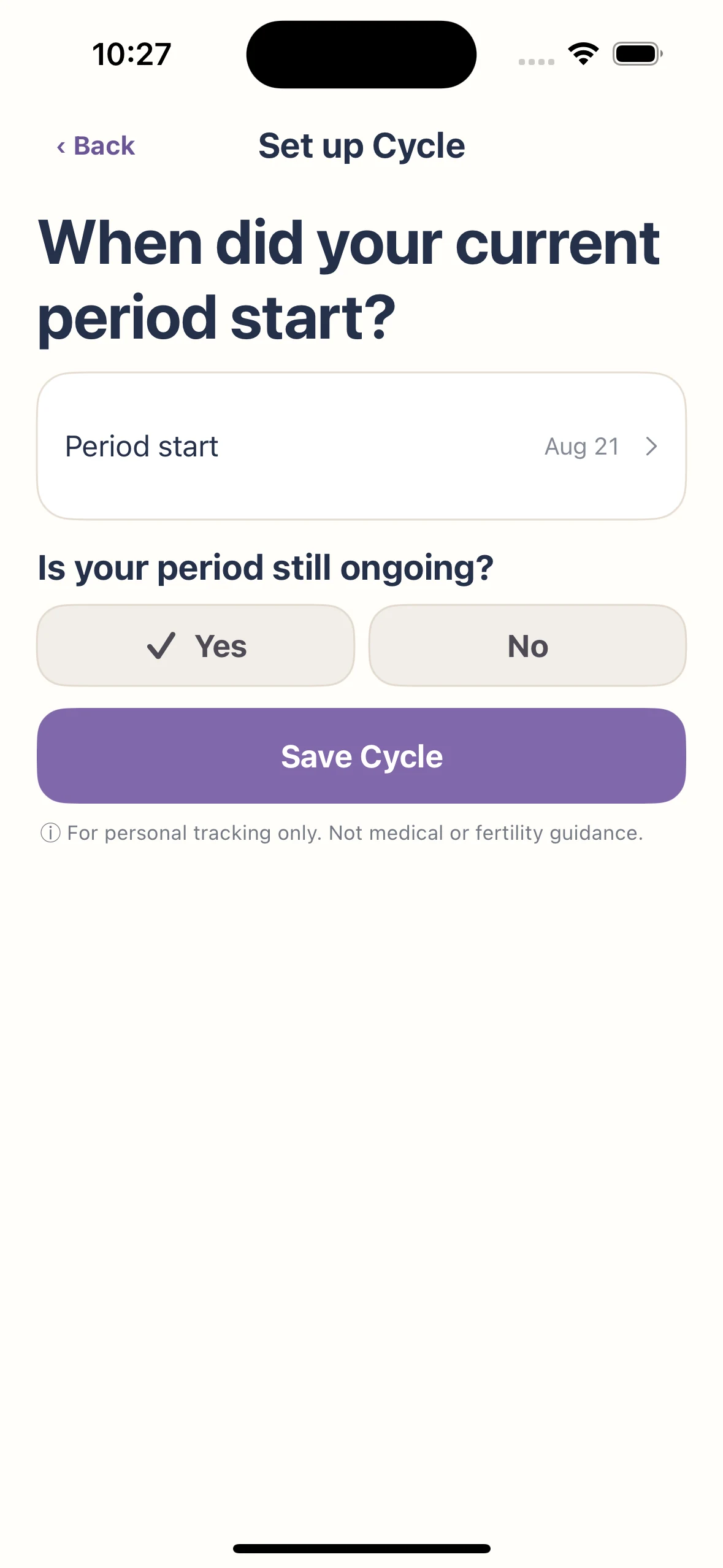
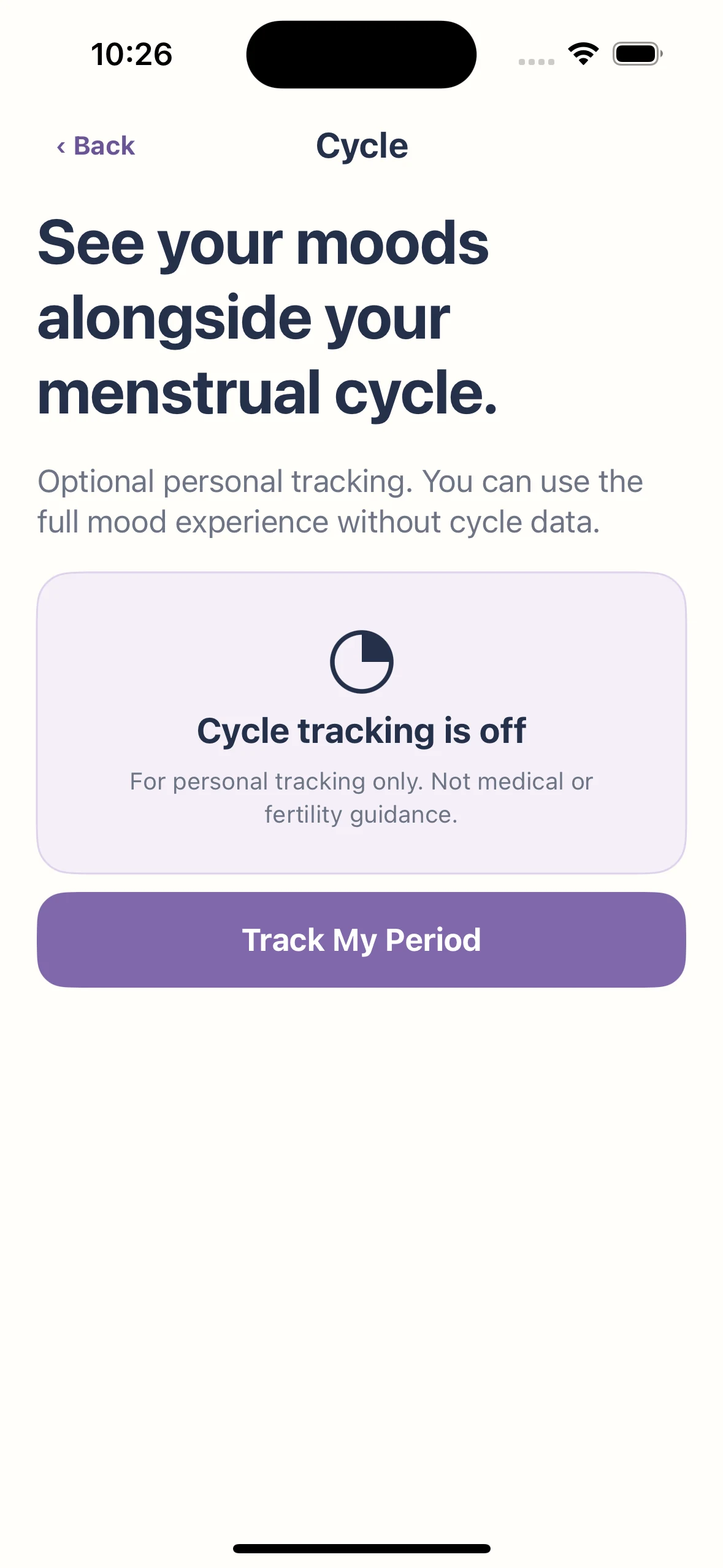
Open Cycle from Today, then choose Track My Period. Set the start date and whether your period is ongoing, then save. Add the end date when it is known. Cycle tracking is optional; your mood check-ins still work on their own.
A little more
to know.
Does KnowMood predict ovulation?
No. This feature records period dates and provides historical context; it is not an ovulation prediction or contraceptive tool.
Does a pattern explain why I felt a certain way?
No. Seeing records together does not establish a cause.
Do I have to record cycle information?
No. Cycle tracking is optional.
How do I set up Cycle?
From Today, open Cycle and choose Track My Period. Enter the period start date and whether it is ongoing. Save when the dates are correct.
Are all cycle phases directly recorded?
Period dates come from your entries. Other phases are estimates based on those dates, used for personal reflection.
Keep exploring
Read: how to track your mood
Make room for
your next moment.
For iPhone and iPad