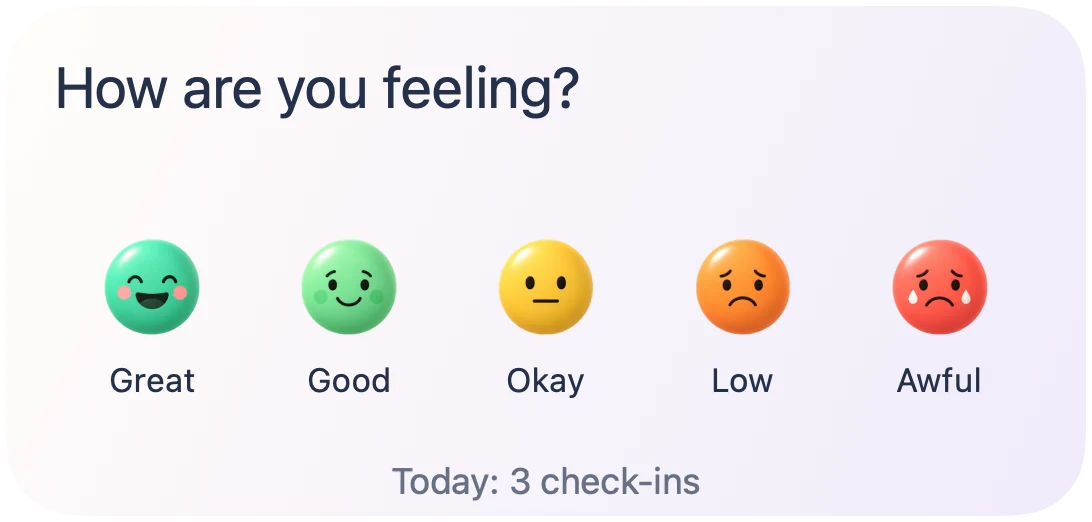
Quick Check-in
A shortcut to a new check-in, with a mood to start from.
Give KnowMood a place on your Home Screen, so the next check-in is a little closer.

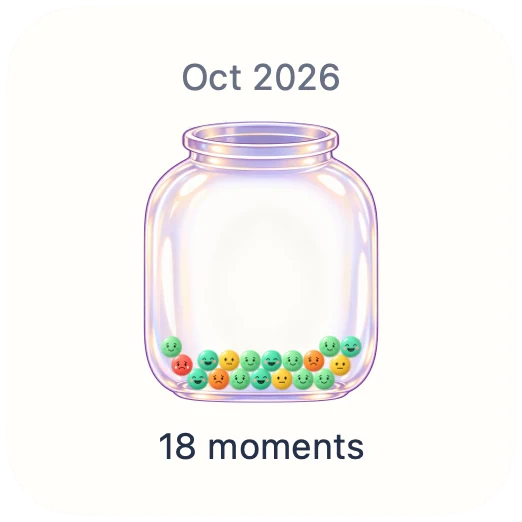
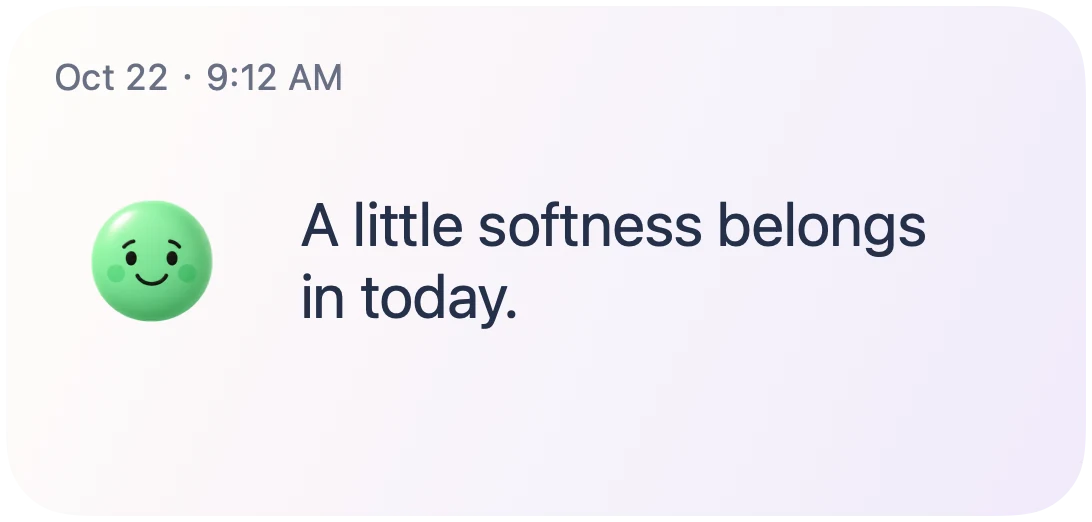
A quick way in, a month at a glance, or a little encouragement.
A shortcut to a new check-in, with a mood to start from.
See your month’s recorded moments collect in one little jar.
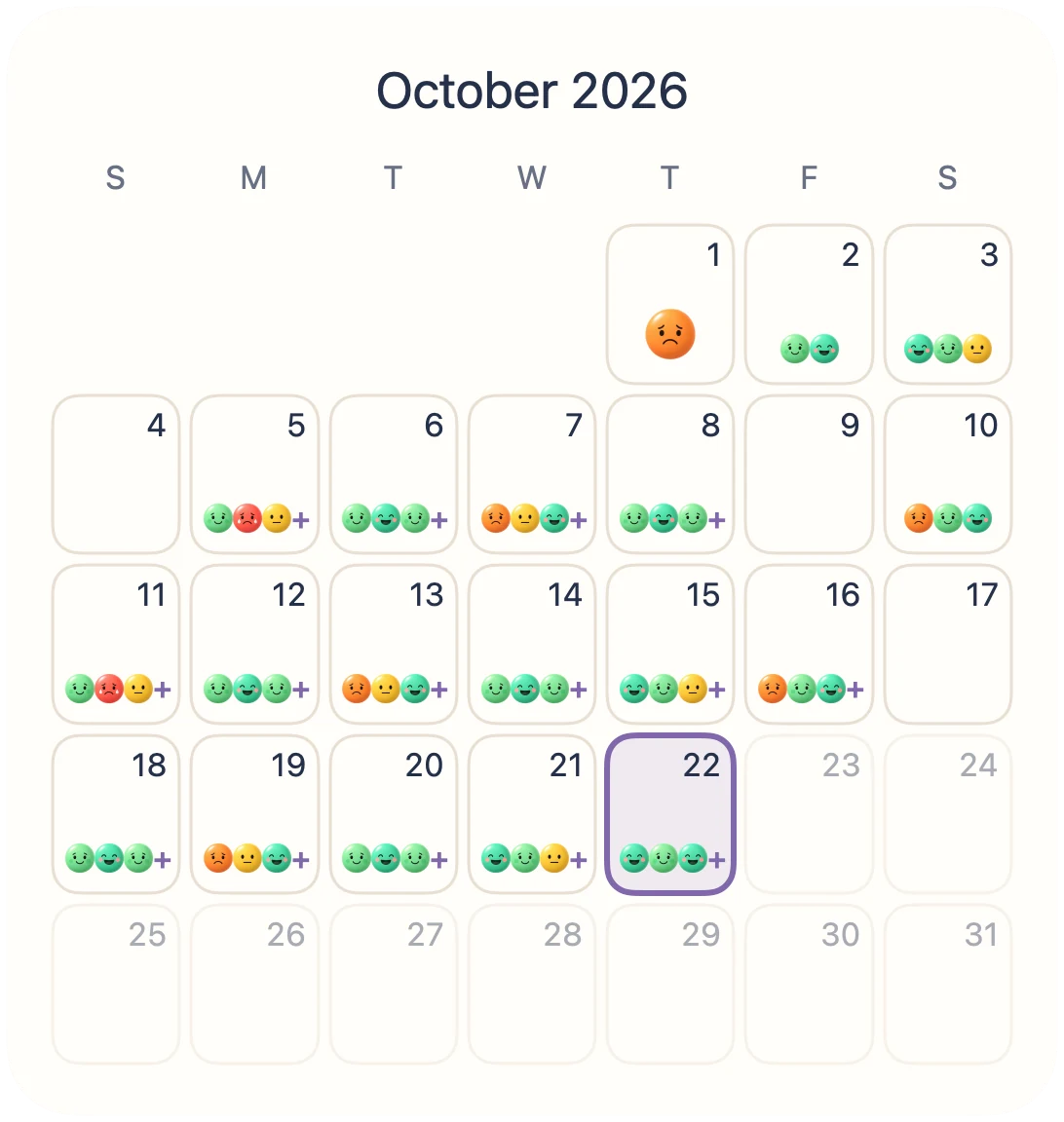
See your recorded days together and return to your history.
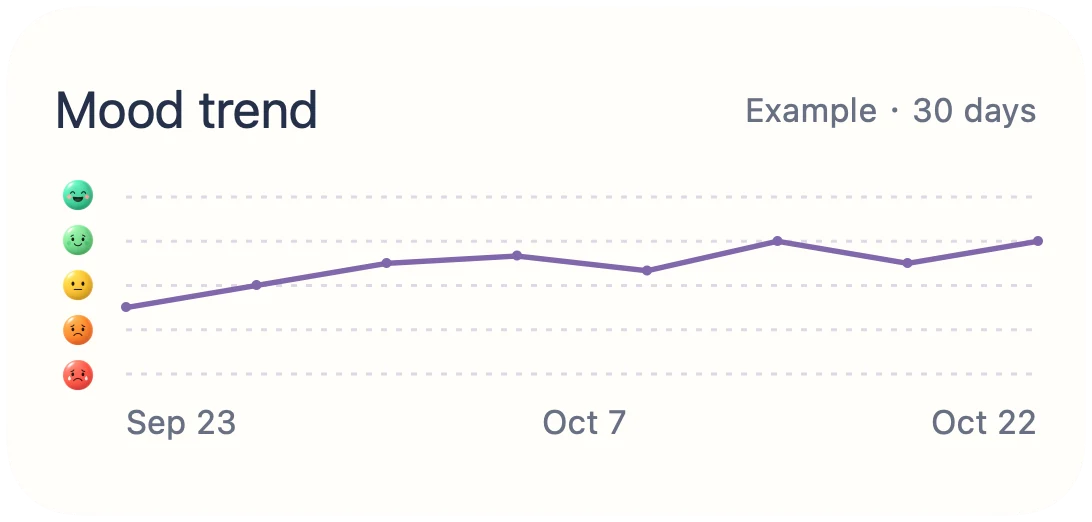
Keep the shape of your recent moods in view.
Make room for a gentle thought in the middle of your day.

A small reminder of your month, before you open your phone.

A few kind words, close at hand.
 KnowMood
Touch and hold an empty area of your Home Screen. Open Edit → Add Widget (or the + button), then search for KnowMood.
Swipe through the widget gallery to choose a view and available size, then tap Add Widget.
Drag the widget into place and tap Done. To change available options, touch and hold it and choose Edit Widget.
Touch and hold your Lock Screen, tap Customize, then choose Lock Screen. Tap the widget area, select KnowMood, and add Pocket Mood Jar or Pocket Affirmation. Finish with Done. Available layouts depend on your device and system version.
iOS controls widget refresh timing. Saving in the app and requesting a refresh do not guarantee immediate system display.
No. They use different system containers and can offer different layouts.
Visit Support for setup and troubleshooting guidance.
Quick Check-in, Monthly Mood Jar, Mood Calendar, Mood Trend, and A Little Affirmation. Available sizes vary by widget.
It opens a check-in in KnowMood. Review the moment and save it in the app.
The widget gallery and views without enough personal history can show example content. Example charts are not your recorded mood history.
Pocket Mood Jar and Pocket Affirmation. Pocket Mood Jar also supports circular and inline layouts where the system offers them.
For iPhone and iPad